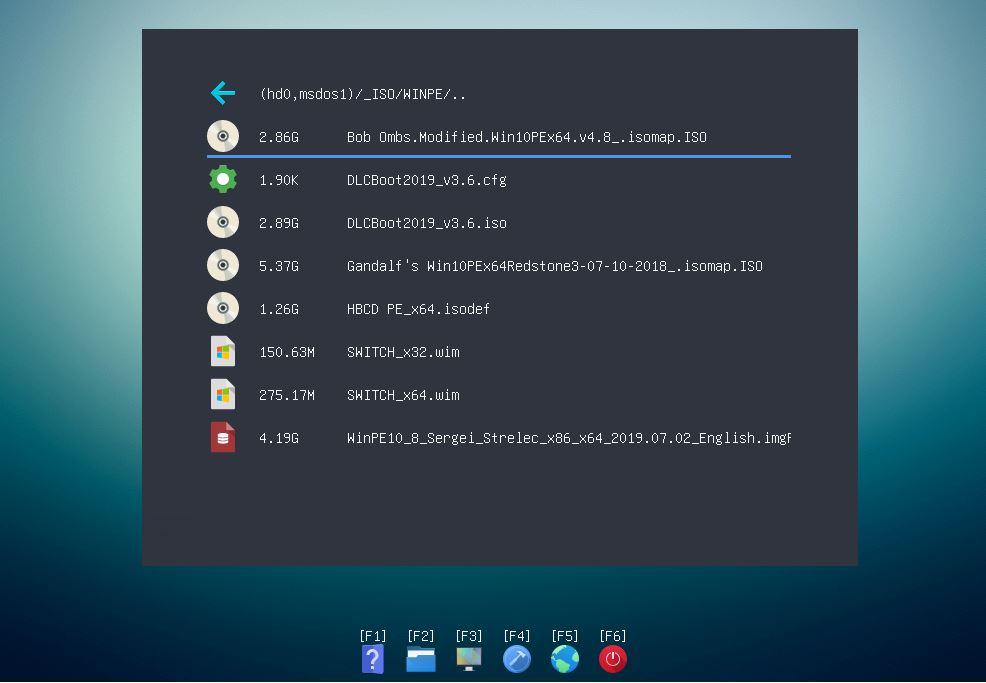
If your E2B USB drive now has a FAT32 partition with UEFI boot files in the \EFI boot folder, you may find that some systems will not offer you the choice to Legacy from your E2B USB drive (even though you have enabled CSM) - the only option is to UEFI-boot (or set the BIOS options to disable UEFI-booting) which may not be what you want to do on some occasions. You may need to run a Legacy payload using E2B.
These buggy BIOSes do not present a Legacy-boot (unless you can change the BIOS options to disable UEFI-booting which sometimes is not possible).
We can however rename the \EFI folder on the 2nd FAT32 agFM partition and this will cause the BIOS pop-up boot menu to list the Legacy-boot option.
 |
| Where is the Legacy boot option? |
We can however rename the \EFI folder on the 2nd FAT32 agFM partition and this will cause the BIOS pop-up boot menu to list the Legacy-boot option.